
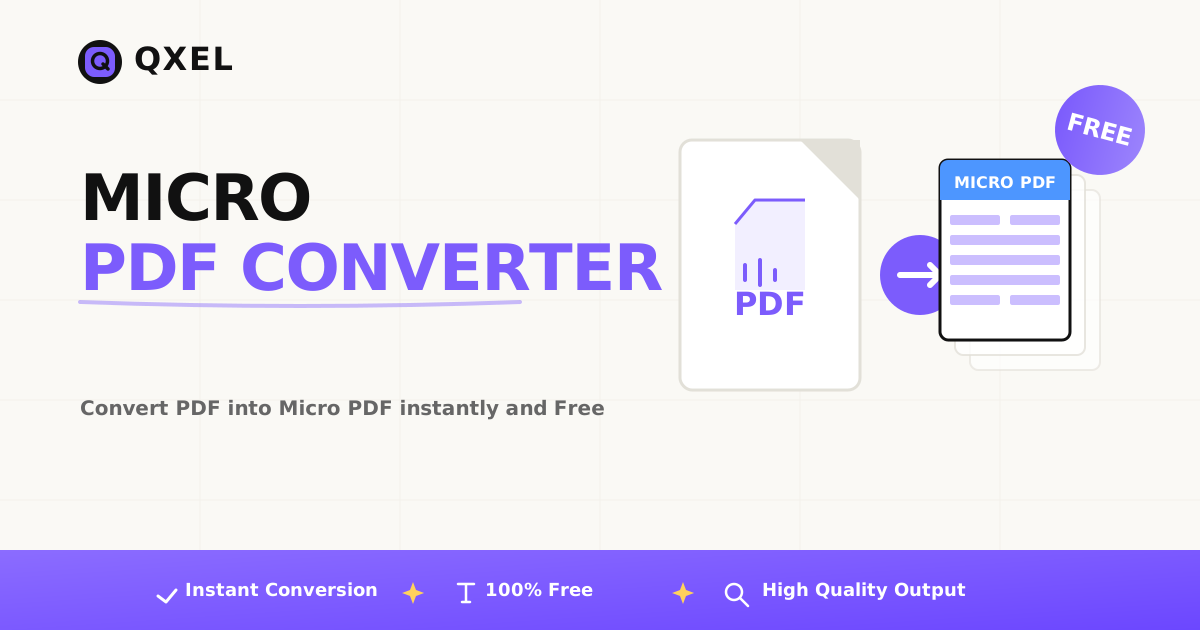
Convert your PDF documents into micro PDFs with custom page layouts
Upload PDF document
✂️ Crop first page?
📄 Pages per sheet layout
Simply select a PDF, choose your resolution and layout, and click convert. Everything works directly in your browser — we don't send anything anywhere. Your data is 100% secure.
Upload any PDF document from your device. No file size limits, no server uploads.
Pick pages per sheet: 9, 12, or 15. Crop the first page if needed.
Click convert and get your micro PDF instantly. All processing is local.
Your files never leave your device. All PDF processing happens entirely in your browser using JavaScript. We don't upload, store, or transmit your documents to any server.
Students are always our highest priority at Qxel. We know that studying from huge, 200-page PDFs is exhausting, especially during exam season.
That's why we created a completely free tool for students to convert normal, bulky PDFs into Micro PDFs.
A Micro PDF is a stripped-down, optimized version of your original study material. It removes:
The result? A PDF that is 50-80% smaller in file size, but still crystal clear and readable.
After converting a chapter into a Micro PDF, the file is so small and clean that you can easily:
A typical scanned textbook PDF can be 50-100 MB. After conversion, the same file becomes 10-15 MB. Your phone will thank you during exam week.
PDF never leaves your device.
"I converted my 120 MB engineering notes PDF to just 18 MB. It took 10 seconds. Insane tool." — Priya, B.Tech Student
This is the most important part.
The tool works entirely inside your own browser. Your PDF is never uploaded to any server. It never leaves your computer or phone.
You can use it as much as you want, with zero tracking.
Unlike other "free" tools that limit you to 3 conversions per day or force you to sign up:
We build tools for creators and students. Here's another one you should try:
Protect your digital products instantly. Add custom text or image watermarks to PDFs and images before selling them online.
Protect Digital Products Now →No uploads. Works in your browser. Completely free.
Qxel's Micro PDF Converter gives you a professional-grade tool, right in your browser, for free.
Make your sticky notes. Create your short notes. Share with friends. Ace your exams.
It's free. It's private. It takes 10 seconds.
Everything you need to know about the Micro PDF converter